Office Courses — Budapest

Stop Googling Excel formulas. Start mastering them.

fx =VLOOKUP(your_career, skills_table, "promoted", TRUE)

TeachMeHow Courses teaches professionals to truly master Microsoft Excel, Word, Google Docs, Google Sheets, and PowerPoint — not just the basics, but the advanced techniques that get you promoted, save your team hours, and make you the office expert everyone turns to. Five hands-on courses. 180+ hours. Based in Budapest. Trusted by 3,100+ professionals across Central Europe.

3,100+Graduates
5Courses
4.8/5Rating
94%Completion
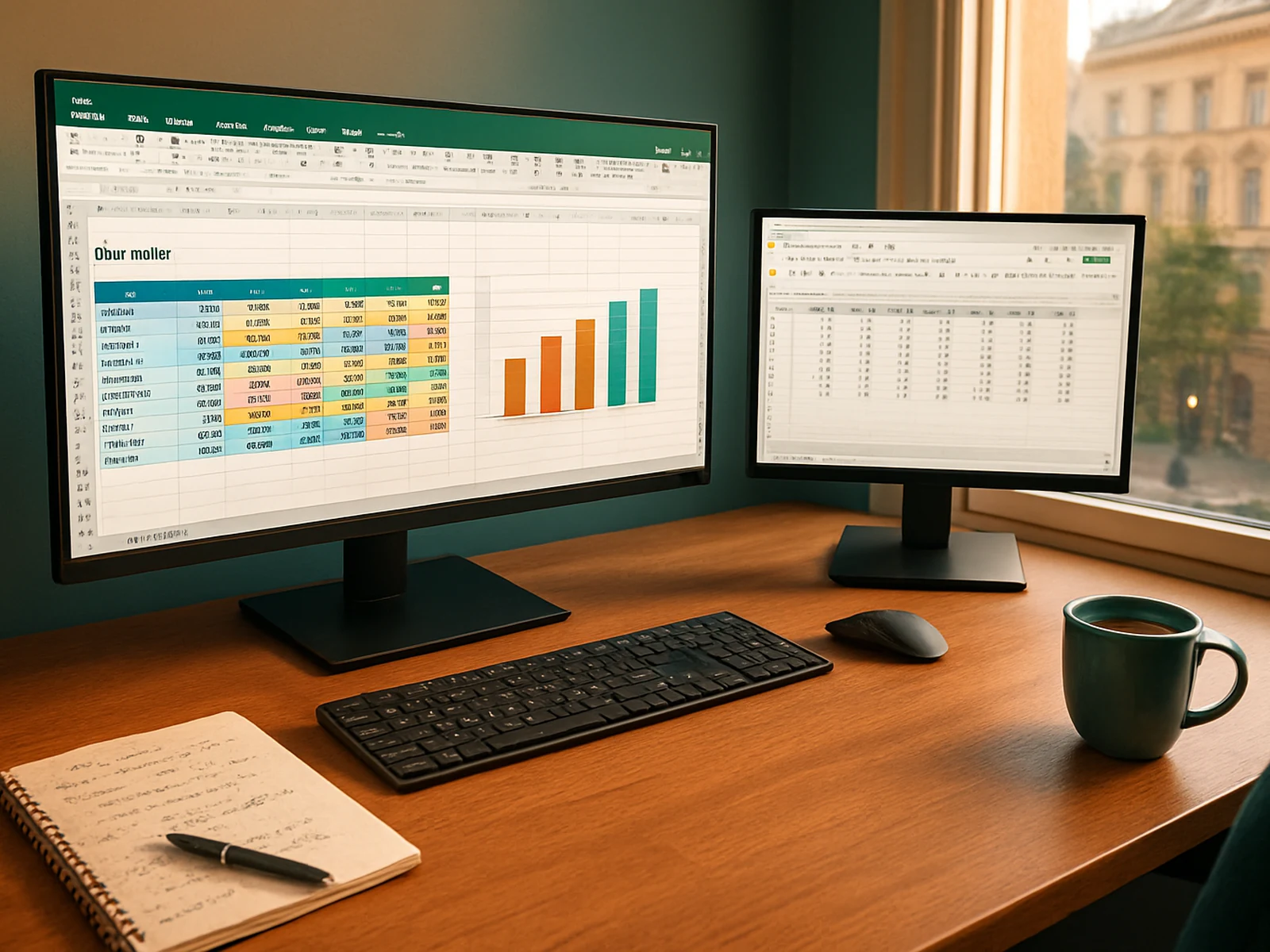
Book1.xlsx — TeachMeHow
A
B
C
D
1
Name
Score
Grade
Status
2
Anna K.
92
=IF(B2>90,"A","B")
✓ Certified
3
Péter N.
87
=IF(B3>90,"A","B")
✓ Certified
4
Maria S.
95
=IF(B4>90,"A","B")
✓ Certified
5
Jan M.
78
=IF(B5>90,"A","B")
In progress
TeachMeHow courses

Every office professional uses spreadsheets and documents daily. But almost nobody has been properly trained. You learned Excel by Googling. You learned Word by trial and error. You learned Google Docs because someone shared a link. The result? You spend 40% more time on tasks than you need to. Our courses fix that — permanently. Not theory lectures. Hands-on practice with real business files, real formulas, real formatting, from the first lesson.

Our courses

Five courses covering every office tool you use daily.

Excel Mastery
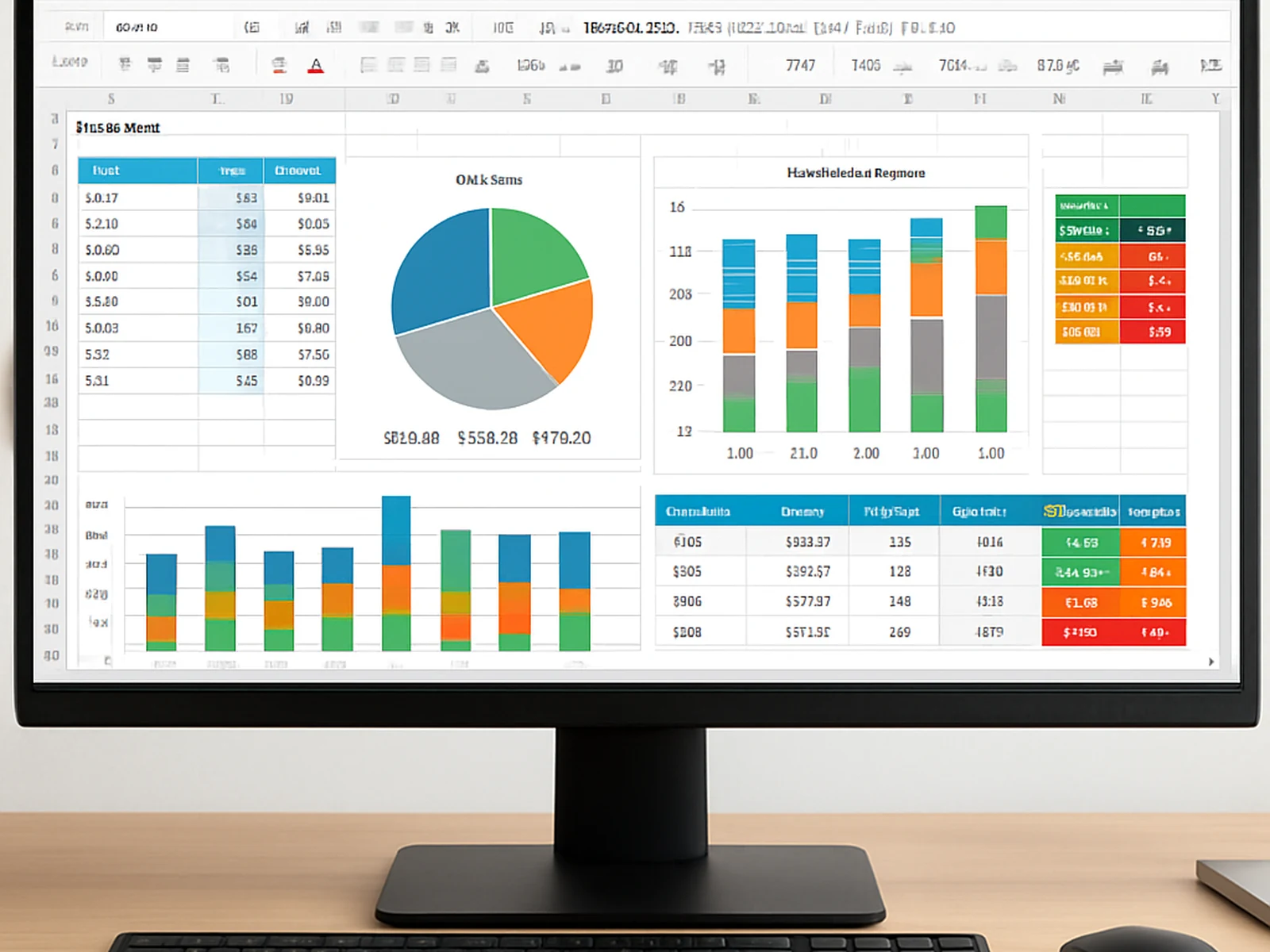
Excel Mastery covers everything from intermediate to advanced. You will learn: VLOOKUP, XLOOKUP, INDEX/MATCH, nested IF statements, SUMIFS/COUNTIFS, pivot tables (including calculated fields), conditional formatting, data validation, Power Query (get…
Word Professional
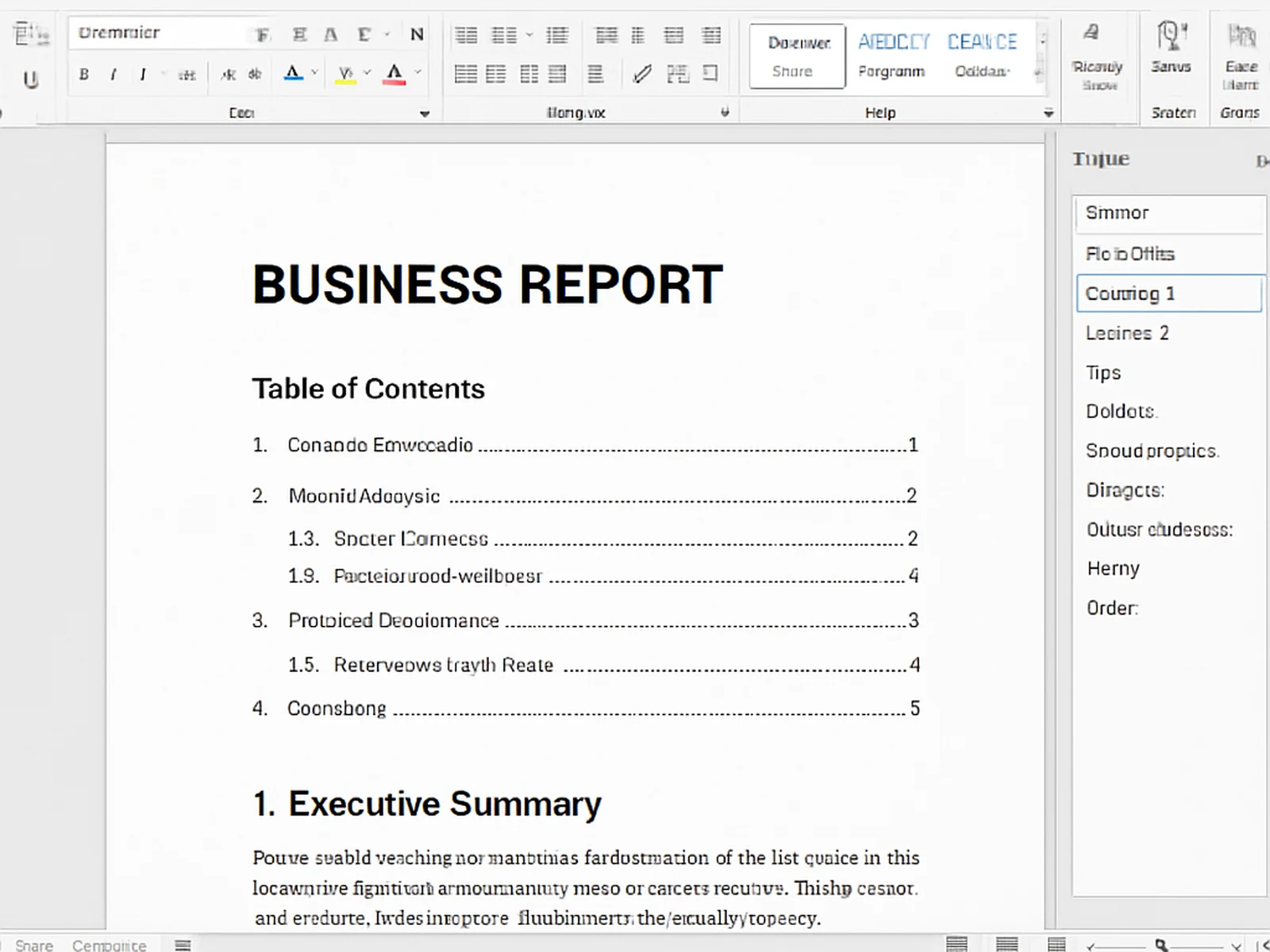
Word Professional transforms how you create documents. You will learn: styles and formatting (the RIGHT way), template creation, headers/footers/page numbering, table of contents (automatic), mail merge (letters, labels, emails), track changes and co…
Google Docs Suite
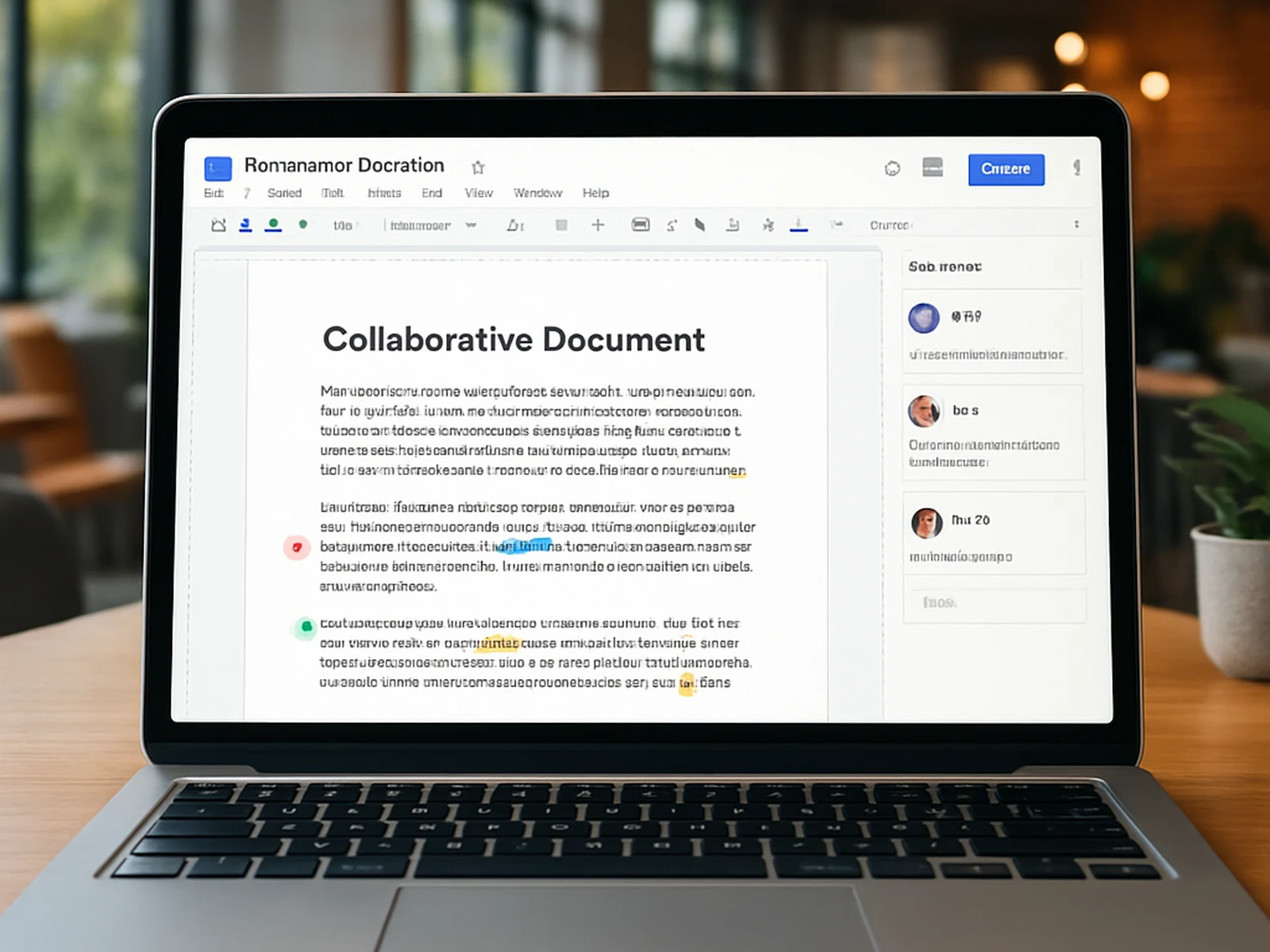
Google Docs Suite covers the entire Google Workspace for documents. You will learn: Google Docs (advanced formatting, voice typing, suggesting mode, table of contents, add-ons), Google Slides (master slides, animations, presenter tools, audience Q&A)…
Google Sheets Analytics
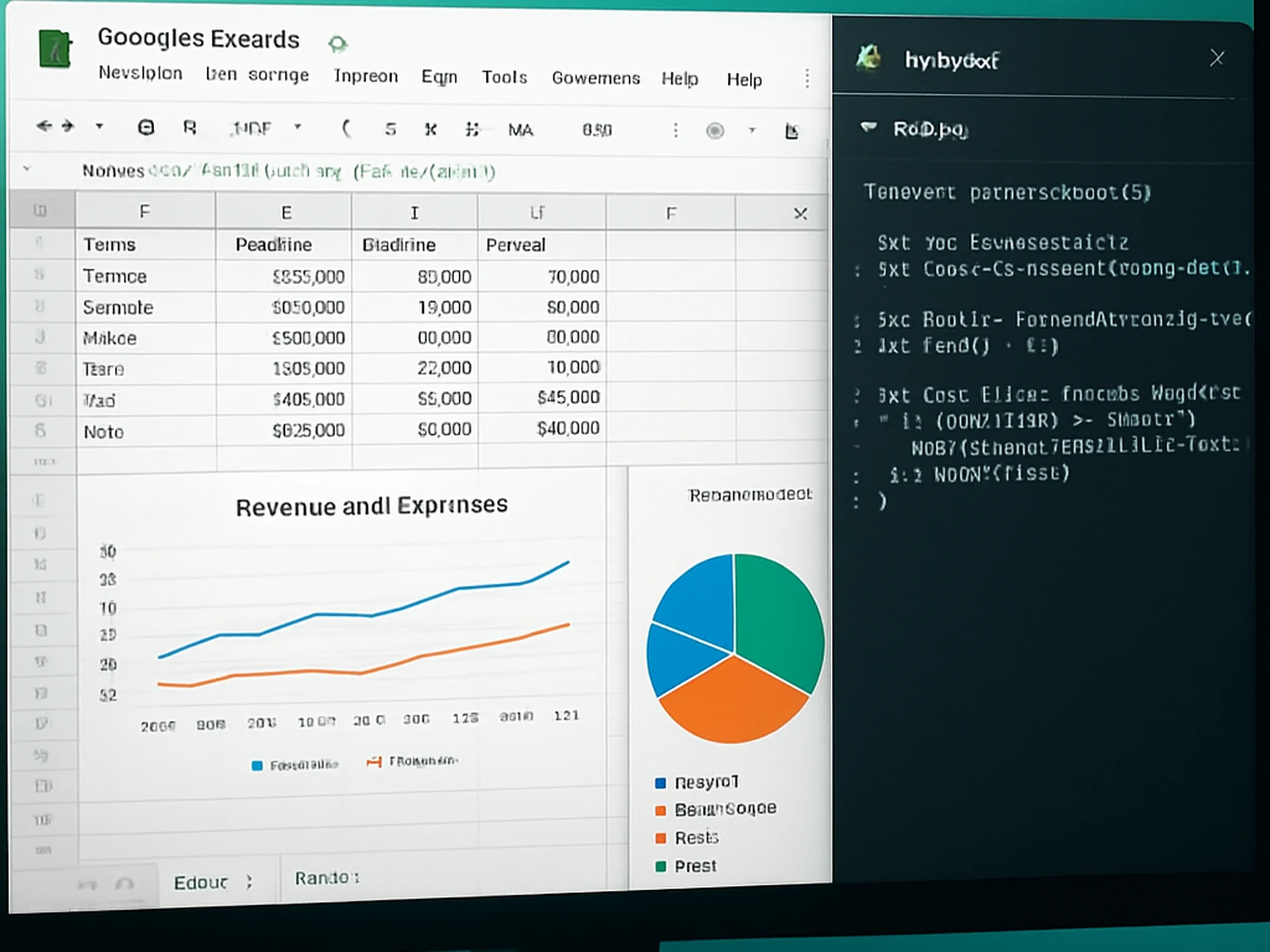
Google Sheets Analytics focuses on the features unique to Google Sheets that make it powerful for analytics and automation. You will learn: QUERY function (SQL-like syntax), ArrayFormula, ImportRange (cross-spreadsheet references), IMPORTHTML/IMPORTX…
PowerPoint & Slides
PowerPoint & Slides teaches you to create presentations that look professional and actually persuade. You will learn: slide design principles (less is more), colour theory for slides, typography for presentations, slide masters and layouts, SmartArt …
Results

What our graduates achieved.

-65%
report time
Hungarian bank, Budapest

Enrolled 45 analysts in Excel Mastery. Average monthly report creation time dropped from 12 hours to 4.2 hours. Power Query replaced 80% of manual copy-paste workflows. ROI paid back in the first month.

3,100+
graduates
Central European professionals

Professionals from Hungary, Austria, Czech Republic, Slovakia, and Poland. 94% completion rate. Average course rating: 4.8/5. Most common feedback: "I wish I had taken this course 5 years ago."

40%
faster work
Marketing startup, Vienna

Team of 12 completed Google Docs Suite + Google Sheets. Document creation time dropped 40%. Eliminated 6 manual reporting workflows with Apps Script automations built during the course.

How it works

Four steps to mastery.

01

Pick your course

Choose one course (Starter), three (Professional), or all five (Enterprise). Instant access — no waiting, no cohorts.

02

Learn by doing

Every lesson has a practice file. You follow along, building real spreadsheets, documents, and presentations. No passive watching.

03

Practice & test

End-of-module exercises test your skills with real business scenarios. Get feedback. Retry until you nail it.

04

Get certified

Complete the course, pass the final project, and receive a professional certificate you can add to LinkedIn and your CV.

Students

What they say.

★★★★★
"Report creation went from 12 hours to 4.2 hours. I enrolled my entire analytics team — 45 people. The Power Query module alone saved us thousands of hours annually. Every analyst should take this course."
Katalin N.
Head of Analytics, Bank (Budapest)
★★★★★
"I wish I had taken this 5 years ago. I have been using Word daily for a decade and I was doing everything the hard way. Styles, templates, mail merge — it is like I was given a completely new tool."
Peter H.
Legal Counsel (Budapest)
★★★★★
"40% faster across the whole team. The Google Sheets course taught us QUERY and Apps Script — two things we had never touched. Now our weekly reports generate themselves automatically."
Maria S.
Operations Manager, Startup (Vienna)

You use Excel 8 hours a day. You have never been properly trained. Fix that today.

From 13,900 Ft. Lifetime access. Practice files included.

View pricing →
fx

TeachMeHow

Online now

...